Get JENA for Windows
Install JENA from the Microsoft Store, sign in, and create your first AI employee in about five minutes. Free for 7 days with Team features, no card needed.
Published on the Microsoft Store by NOVA Enterprise Limited
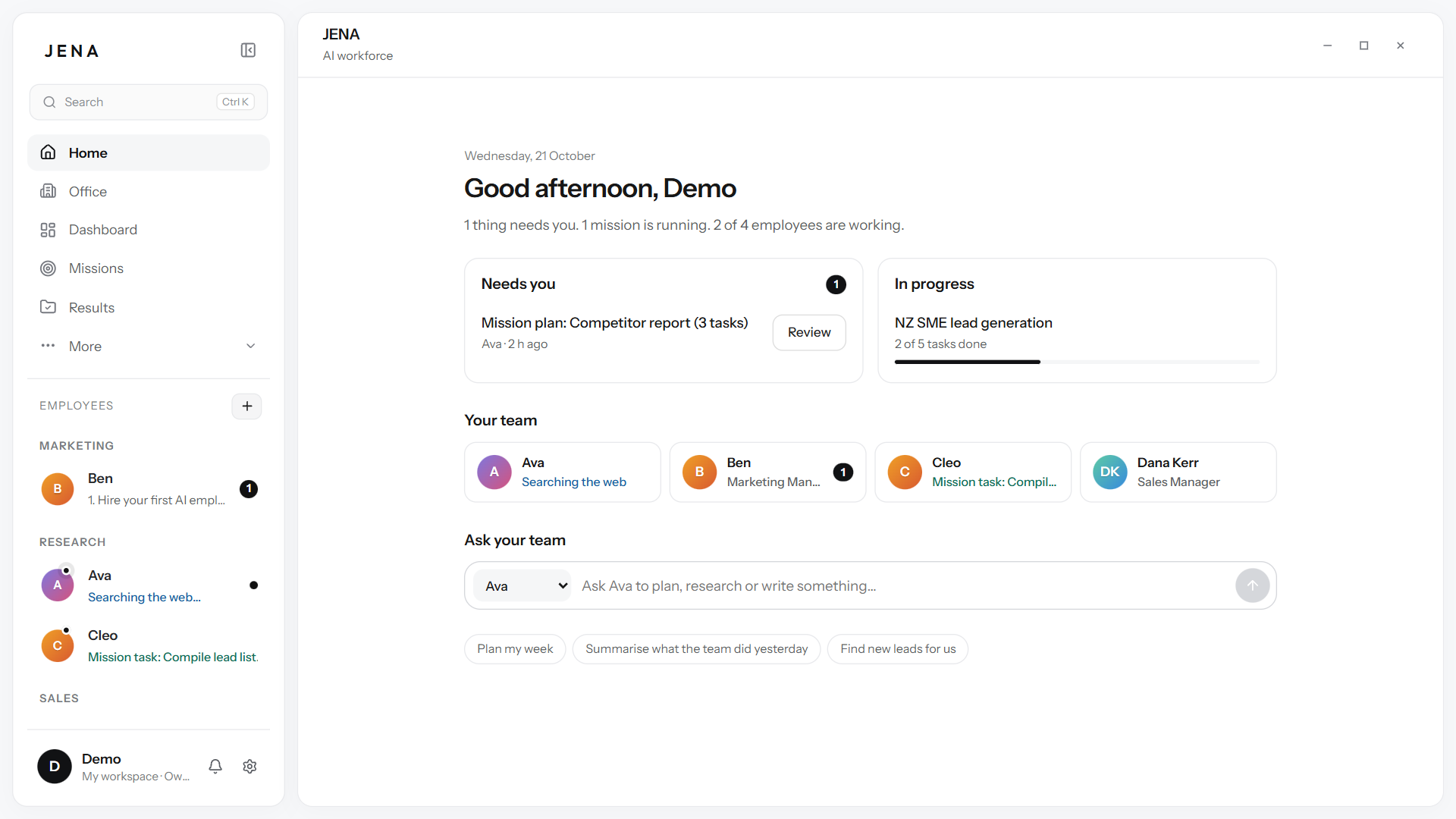
Up and running in three steps
Install
Open JENA on the Microsoft Store and choose Get. Windows installs it for you, and the Store keeps it up to date.
Sign in
Create your account with your email. Your 7-day trial with Team features starts straight away.
Create your first employee
Pick a ready-made role, like Research Analyst, and give it its first job.
What you need
- Computer
- A Windows PC with the Microsoft Store
- Internet
- Needed while your team works
- Account
- Created when you first sign in
- Updates
- Through the Microsoft Store
Install questions
Where do I get JENA?
From the Microsoft Store. Search for JENA, or use the button on this page, and choose Get.
Is JENA safe to install?
Yes. JENA is published on the Microsoft Store by NOVA Enterprise Limited and was checked by Microsoft before it was listed.
Does JENA work on Mac?
Not yet. JENA is built for Windows first.
How do I update JENA?
The Microsoft Store updates JENA for you.